Xiaomi/Redmi MIUI/HyperOS Dialer Secret Code Reference
Capture logs *#*#284#*#*
Battery information *#*#6485#*#*
Engineering mode/CIT test *#*#6484#*#*
Device information *#*#4636#*#*
IMEI information *#06#
Show 5G toggle in Settings *#*#726633#*#*
Show 5G toggle *#*#34834#*#*
5G signal information *#*#544636#*#*
VoLTE toggle *#*#86583#*#*
VoWiFi toggle *#*#869434#*#*
VoNR HD calling toggle *#*#8667#*#*
5G N28 band toggle *#*#794824#*#*
5G N1 band toggle *#*#616633#*#*
5G N3 band toggle *#*#636633#*#*
5G N5 and N8 band toggle *#*#65686633#*#*
5G N28 band toggle *#*#6286633#*#*
Show/hide primary SIM SA mode toggle *#*#726633#*#*
Show/hide secondary SIM SA mode toggle *#*#842372#*#*
Show/hide 5G power-saving toggle *#*#547693784#*#*
Enable/disable coexistence of WeChat and calls *#*#932428#*#*
MIUI stability settings *#*#11811#*#*
Email DEBUG mode settings *#*#0616#*#*
Device information *#*#0000#*#*
UI information tool settings *#*#1130#*#*
UI information tool *#*#847#*#*
Submit feedback *#*#123#*#*
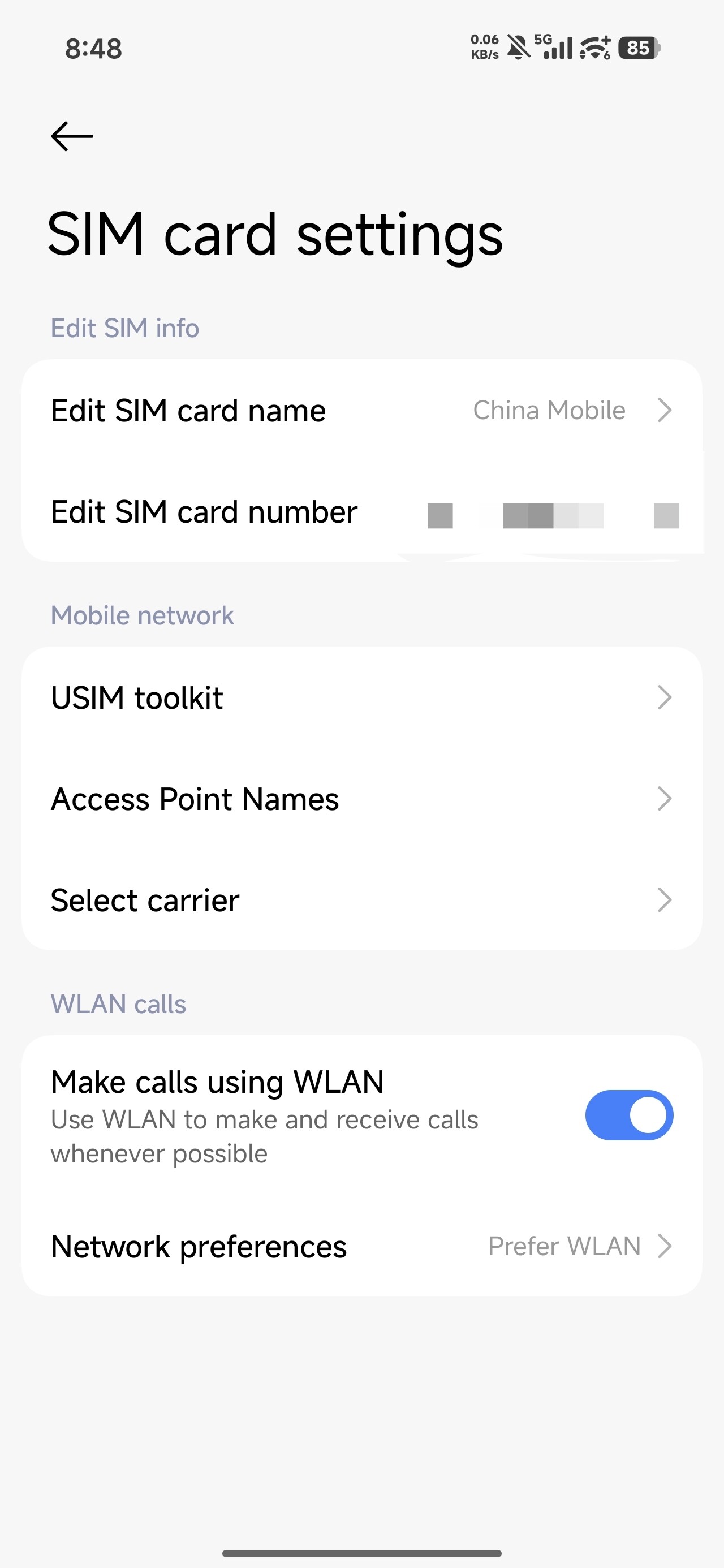
 , even though I usually use physical cards.